RFID Read Range & Performance
Read range is the first question everyone asks about RFID, and the answer is always "it depends". This chapter explains exactly what it depends on, gives typical ranges by frequency band, explains forward and reverse links, and finishes with practical tuning tips and a troubleshooting table.
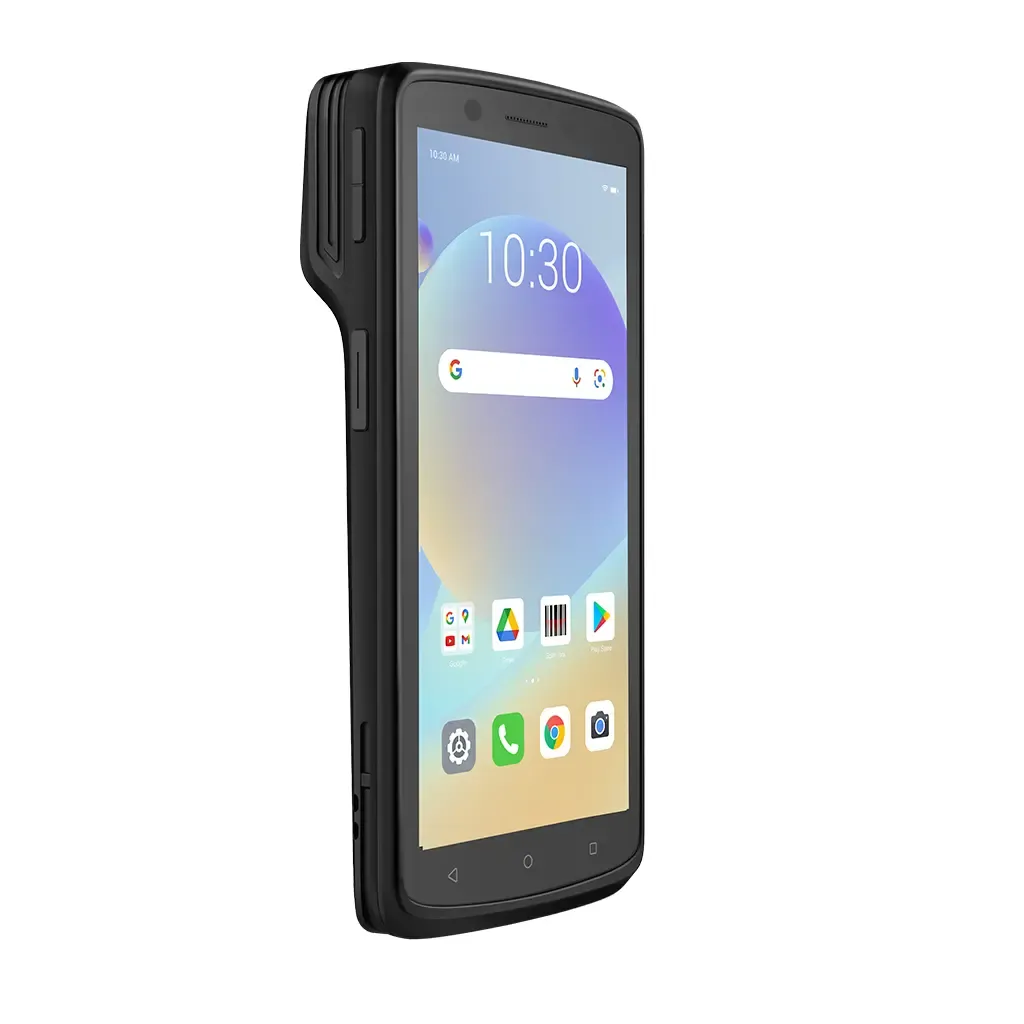
- Read range depends on the whole chain: reader power, cable loss, antenna gain, polarisation, tag size and sensitivity, orientation and materials.
- Passive UHF is usually forward-link limited: the tag runs out of power before the reader runs out of sensitivity.
- In free space, 6 dB more link budget roughly doubles range; 3 dB of cable loss cuts range by about 30%.
- Metal, liquids and human bodies are the biggest real-world range killers at UHF.
- Read accuracy - reading all the right tags and none of the wrong ones - matters more than maximum range.
Why read range "depends"
Ask any RFID engineer "How far does it read?" and the honest answer is "It depends." That is not evasion. Read range is the result of a chain of factors, and the weakest link sets the limit. A tag rated at 10 metres in a datasheet can read at 50 centimetres on a bottle of shampoo, and a small tag can outperform a large one if it is placed and oriented well.
This chapter explains each link in that chain so you can predict, measure and improve range. It builds on RFID Antennas & Inlays and RFID Readers Explained.
What determines read range
On the reader side
- Reader output power: the RF power fed to the antenna, typically up to about 30 dBm (1 W) for fixed UHF readers, limited by regulation.
- Cable and connector loss: every dB lost in cables reduces the power reaching the antenna and weakens the tag's reply on the way back.
- Antenna gain and beamwidth: higher gain focuses energy for more range along the beam but covers less width.
- Polarisation: circular antennas read tags in any rotation but give up about 3 dB against a perfectly aligned linear antenna.
- Receiver sensitivity: how weak a tag reply the reader can still decode.
On the tag side
- Chip sensitivity: how little power the chip needs to wake up - see RFID Chips Explained.
- Antenna size and design: larger, well-matched antennas capture more energy.
- Tuning for region and material: a tag tuned for 915 MHz or for plastic may lose range at 866 MHz or on cardboard.
- Orientation: a linear dipole tag reads worst when it points end-on toward the antenna, and poorly when rotated 90 degrees to a linear antenna.
In the environment
- Metal: reflects UHF energy, detunes tags and creates shadows and dead spots - but can also bounce signals into unexpected places.
- Liquids and water-rich products: absorb UHF energy; tags on or behind liquids read poorly.
- Human body: mostly water, so people carrying tagged items or wearing badges can block reads.
- Tag density and stacking: tags packed tightly together shadow and detune each other.
- RF noise and other readers: nearby readers and electrical noise can reduce effective sensitivity.
In the real world
Typical read ranges by band
The figures below are indicative for common passive tags in reasonable conditions. They are not guarantees - test on your own items.
| Band / technology | Typical read range | Notes |
|---|---|---|
| LF 125-134.2 kHz (passive) | A few cm to around 10-30 cm; larger with big antennas | Robust near water and tissue; slow data rate |
| HF 13.56 MHz, ISO 14443 / NFC | Up to about 10 cm (phones: typically up to about 4 cm) | Short range by design; payments, access, NFC |
| HF 13.56 MHz, ISO 15693 | Up to about 1 m with large reader antennas | Libraries, healthcare, industrial labels |
| UHF passive, handheld reader | Typically 1-6 m for labels | Depends on handheld power and antenna |
| UHF passive, fixed reader | Typically 3-10 m for good labels; beyond 10 m for large tags | Strongly affected by materials and orientation |
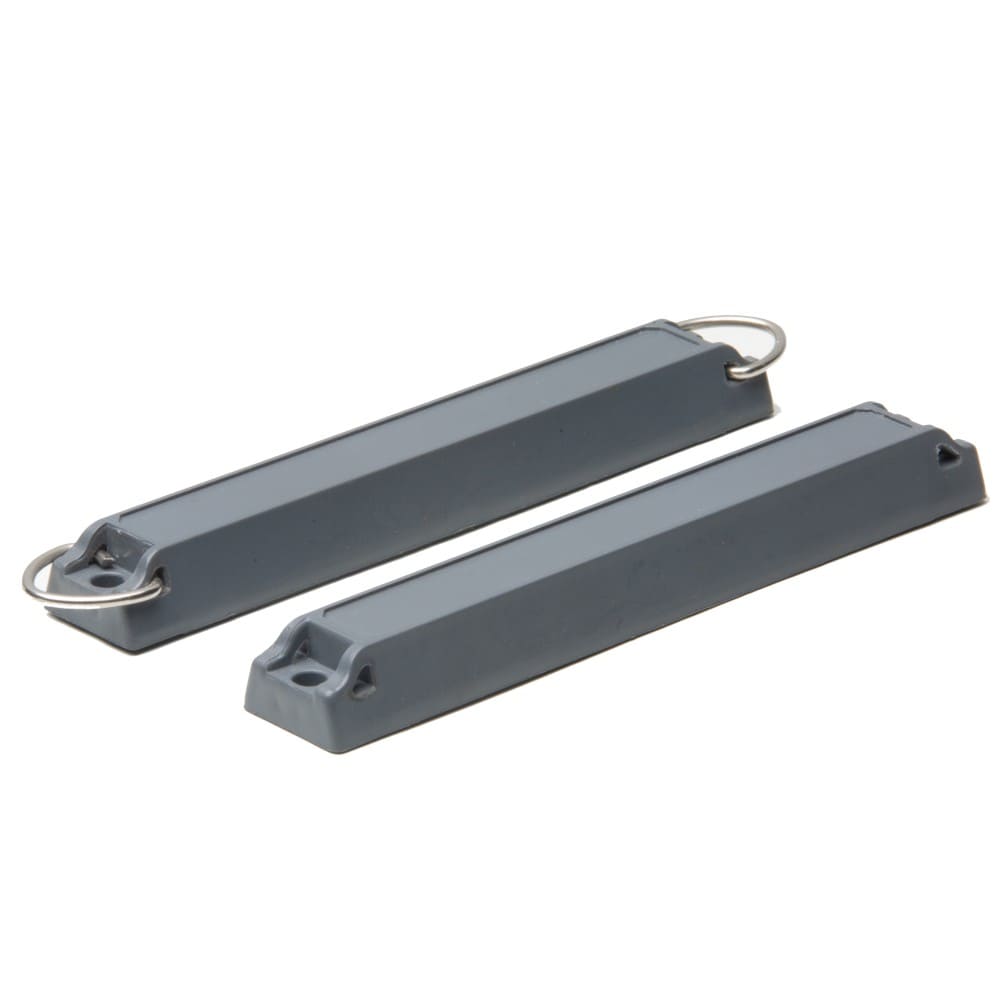
| UHF on-metal hard tags | From under 1 m for tiny tags to several metres for large ones | Range scales with tag size |
| Battery-assisted passive (BAP) UHF | Longer than passive, often tens of metres | Battery powers the chip; still uses backscatter |
| Active RFID (433 MHz, 2.4 GHz) | Tens to 100+ m | Tag has its own transmitter and battery |
For a deeper comparison of the bands, see RFID Frequencies.
Forward link and reverse link
A passive UHF read is a round trip, and both directions must succeed:
- Forward link (reader to tag): enough power must reach the tag to exceed the chip's read sensitivity, so the chip can wake up and respond.
- Reverse link (tag to reader): the tag's backscattered reply - a tiny fraction of the power it received - must travel back and arrive above the reader's receive sensitivity.
With modern readers, the receiver is usually so sensitive that it could hear a tag further away than the tag can be powered. So passive UHF is normally forward-link limited: the tag runs out of power before the reader stops hearing it. That is why improvements in chip sensitivity translate so directly into range, and why reader power, antenna gain and cable loss matter so much.
There are exceptions. In noisy environments with many readers, with very small tags, or with battery-assisted tags (which do not need the reader's energy to power the chip), the reverse link can become the limit. Then receiver sensitivity and dense reader settings matter more.
The 6 dB rule
In free space, received power falls with the square of distance. A useful rule follows: every 6 dB of extra link budget roughly doubles range, and every 6 dB lost halves it. 3 dB changes range by a factor of about 1.4.
Real environments with reflections rarely follow free-space maths exactly, but the rule is good for comparing options.
Read rate vs read accuracy
Two different performance measures are often confused:
- Read rate is speed: how many tag reads per second the reader can perform. Datasheets quote peak values in ideal conditions.
- Read accuracy is correctness: the percentage of tags that should be read that actually are, without reading tags that should not be. A portal that reads 99.5% of cartons on a pallet and no cartons from the neighbouring door is accurate.
Most business cases depend on accuracy, not raw speed or maximum range. A 100% accurate read zone of 2 m is far more useful than an unpredictable 8 m zone. Gen2 settings also affect the balance: sessions and target modes determine whether tags respond once or repeatedly, and faster link settings trade some robustness for speed. Choose settings to suit the process - inventory counting, portal transitions or single-item encoding.
Interference, multipath and stray reads
Multipath and nulls
UHF signals reflect off metal racks, floors, walls and vehicles. Reflected waves combine with the direct wave, adding in some places and cancelling in others. The result is a pattern of strong spots and nulls - small dead zones where a tag will not read, even close to the antenna. Moving a tag a few centimetres can make it read or fail. Frequency hopping, multiple antennas and moving items through the zone all help average out nulls.
Stray reads
The other side of reflections is stray reads: tags read where you did not intend - in the next dock door, on a shelf behind the portal, or in a staging area. Stray reads damage accuracy just as much as missed reads. Typical causes are excessive power, antennas pointing at storage areas and reflective surroundings.
Reader-to-reader interference
Multiple readers close together can interfere. Use dense reader mode settings, coordinate channel and timing where the reader supports it, and avoid running every reader at full power continuously.
Practical tuning tips
- Get the tag right first. Test several tags on the actual item; the right tag solves more problems than any reader setting.
- Find the best spot on the item. Move tags away from metal edges and liquid contents; on cartons, place tags where they will not be sandwiched between liquid-filled products.
- Match polarisation to orientation. Circular for random orientation; linear where tags are consistently aligned.
- Minimise cable loss. Short, low-loss cables; fewer adapters.
- Use power and RSSI filtering. Lower power to tighten zones; in software, use signal strength, antenna port and timing to reject stray reads.
- Trigger with sensors. Photo-eyes and motion sensors limit reading to the moments that matter.
- Test at real speed and density. Forklift speeds and full pallets behave differently from hand-held tests.
- Document settings. Record power, sessions, antenna positions and results so the configuration can be reproduced and maintained.
Troubleshooting table
| Symptom | Likely cause | Fix |
|---|---|---|
| Tags read on the desk but not on the product | Detuning by metal or liquid in the product | Use on-metal or liquid-tolerant tags; reposition tag; add spacer |
| Some tags on a pallet are always missed | Tags shadowed by product, buried in the middle, or facing end-on | Add antennas from more angles; reposition tags to outer faces; slow the pallet; check orientation |
| Range much shorter than expected everywhere | Wrong region setting or region-mismatched tags, high cable loss, low power setting | Set reader to 865-867 MHz in India; use region-tuned tags; shorten cables; check power |
| Tags read in the next dock door or room | Too much power, antennas aimed at neighbouring areas, reflections | Lower power; re-aim antennas; use RSSI/antenna filtering; add RF absorber; sensor triggering |
| Tag reads in one spot, fails a few centimetres away | Multipath null | Use frequency hopping, multiple antennas, or move items through the zone |
| Tags not read when carried by people | Body absorbing UHF energy | Antennas on both sides and overhead; tags positioned away from the body; slower walk-through |
| Reads fine, but writing/encoding fails | Write sensitivity is worse than read sensitivity; tag locked | Encode closer to the antenna; check lock state and access password |
| Read rate drops when several readers run | Reader-to-reader interference | Enable dense reader mode; stagger timing; reduce power |
| Handheld misses tags high on racks | Distance and angle beyond handheld range | Use a pole extension or higher-power handheld; scan from closer; slow the sweep |
| Read performance changed suddenly | Damaged cable or connector, moved antenna, firmware/setting change, new metal nearby | Inspect cables; verify antenna mounts; compare with documented settings |
If you have tried these steps and still struggle, an on-site RF assessment usually finds the cause quickly. Our RFID consulting team performs site surveys and tag tests, and our Certified RFID Specialist Program teaches hands-on tuning in depth.
Help India adopt this fast-growing technology - teach, consult or build projects with Indian RFID.
Frequently asked questions
What is the maximum read range of passive UHF RFID?
With a fixed reader, good antennas and a large label in open space, passive UHF tags commonly read at several metres and large tags can exceed 10 metres. On real products, with metal, liquids or small tags, range is often much shorter.
Why does my tag read at 5 metres on a desk but only 1 metre on the product?
The product material detunes the tag antenna and absorbs or reflects energy. Liquids and metal are the usual causes. Use a tag designed for that material or reposition the tag on the item.
Does increasing reader power always increase range?
Up to a point. More power strengthens the forward link, but regulatory limits cap it, and too much power creates stray reads from neighbouring areas. Often the better fix is a better tag, antenna position or polarisation.
What is the read range of NFC?
NFC with a smartphone works at a few centimetres, typically up to about 4 cm, by design. This short range is a feature for payments and deliberate tap interactions.
How can I stop RFID reading tags in the next room or dock door?
Reduce reader power, angle or reposition antennas, use RSSI or antenna-based filtering in software, trigger reading only when a sensor detects movement, and add RF-absorbing material where needed.
Join the 1-month Certified RFID Specialist Program - live online. New batch 12 January 2027.